A paragraph with one mistaken letter may still be understandable. A formula with one mistaken sign may no longer mean the same thing. Technical documents therefore need a different acceptance check from ordinary prose.
Do not judge the result only by whether the conversion finished or whether the page looks tidy. Check the relationships between symbols, labels and surrounding explanations.
Separate recognition from translation
Recognition turns marks in a scan into text or structured content. Translation then works with that result. If OCR has already mistaken a minus sign for a dash or dropped a subscript, a later translation step cannot be trusted to reconstruct the intended mathematics.
PDF Craft supports document recognition and conversion workflows, with options relevant to formulas and footnotes. Formula preservation should mean retaining recognized expressions where supported, not an assurance that the original scan was read without errors.
For difficult material, first inspect a converted sample in the PDF workspace before adding translation.
Check symbols against the page image
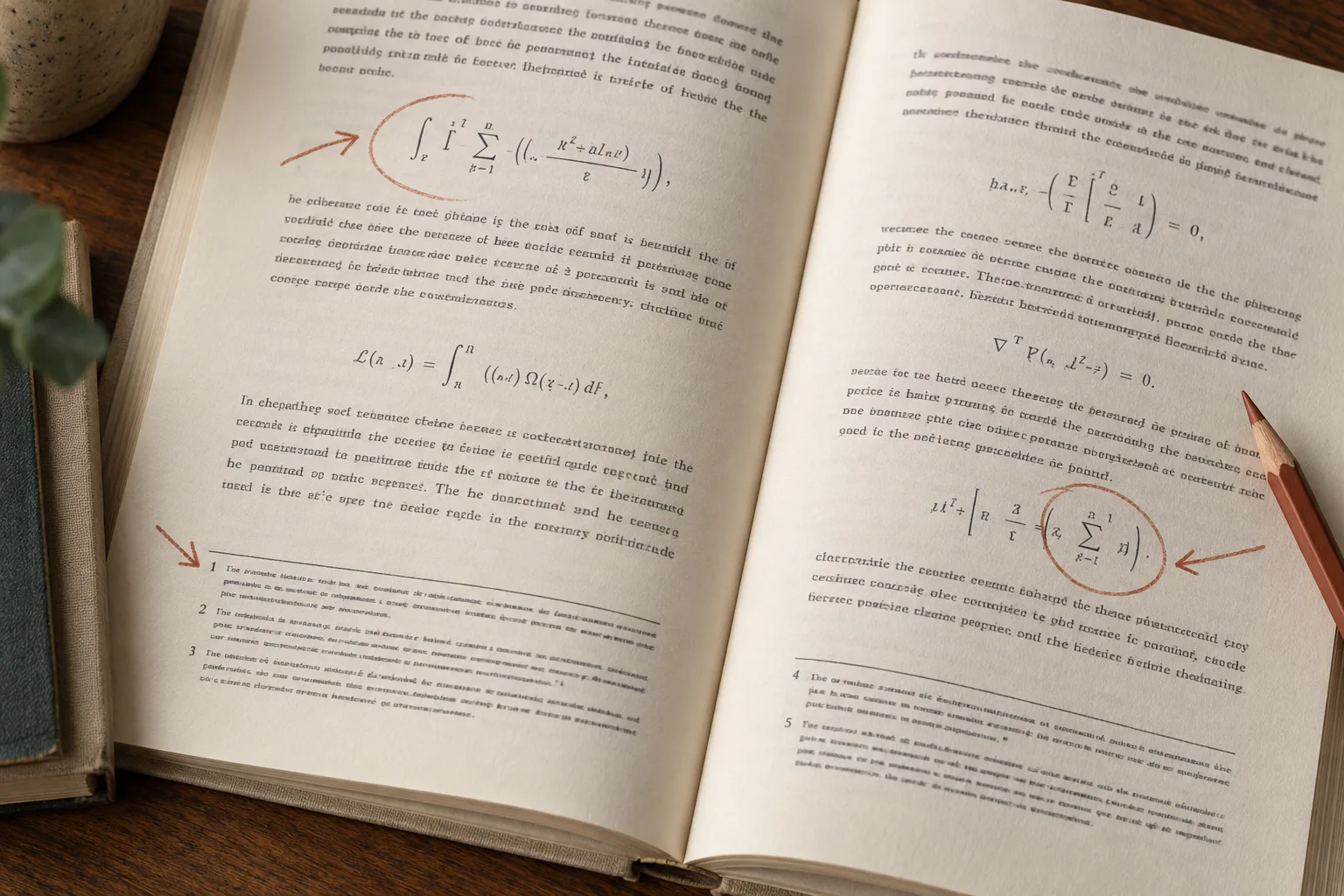
Choose an equation that contains several features: subscripts, superscripts, fractions, a Greek letter or a summation range. Compare it with the original rather than with what you expect the equation to say.
Pay attention to pairs such as zero and the letter O, one and lowercase l, or multiplication and the letter x. Check bracket pairing, minus signs and decimal separators. Verify that an equation number has not become part of the expression.
If the result uses a math representation, preview it in the actual destination reader or editor. A correct expression can still display poorly when the viewer does not support the same notation.
Follow each note in both directions
A footnote is a relationship between a marker and its explanation. Select several markers in the main text, locate the corresponding notes and confirm that the numbers or labels match.
Then read the notes themselves. A page footer can be mistaken for body text; a short footnote can be dropped; a long note can be split at a page boundary. Even if links are present, inspect the text they connect.
Decide whether notes are necessary for your task before selecting processing options. For scholarship, omitting a note may remove a qualification or a source citation.
Inspect tables and column order
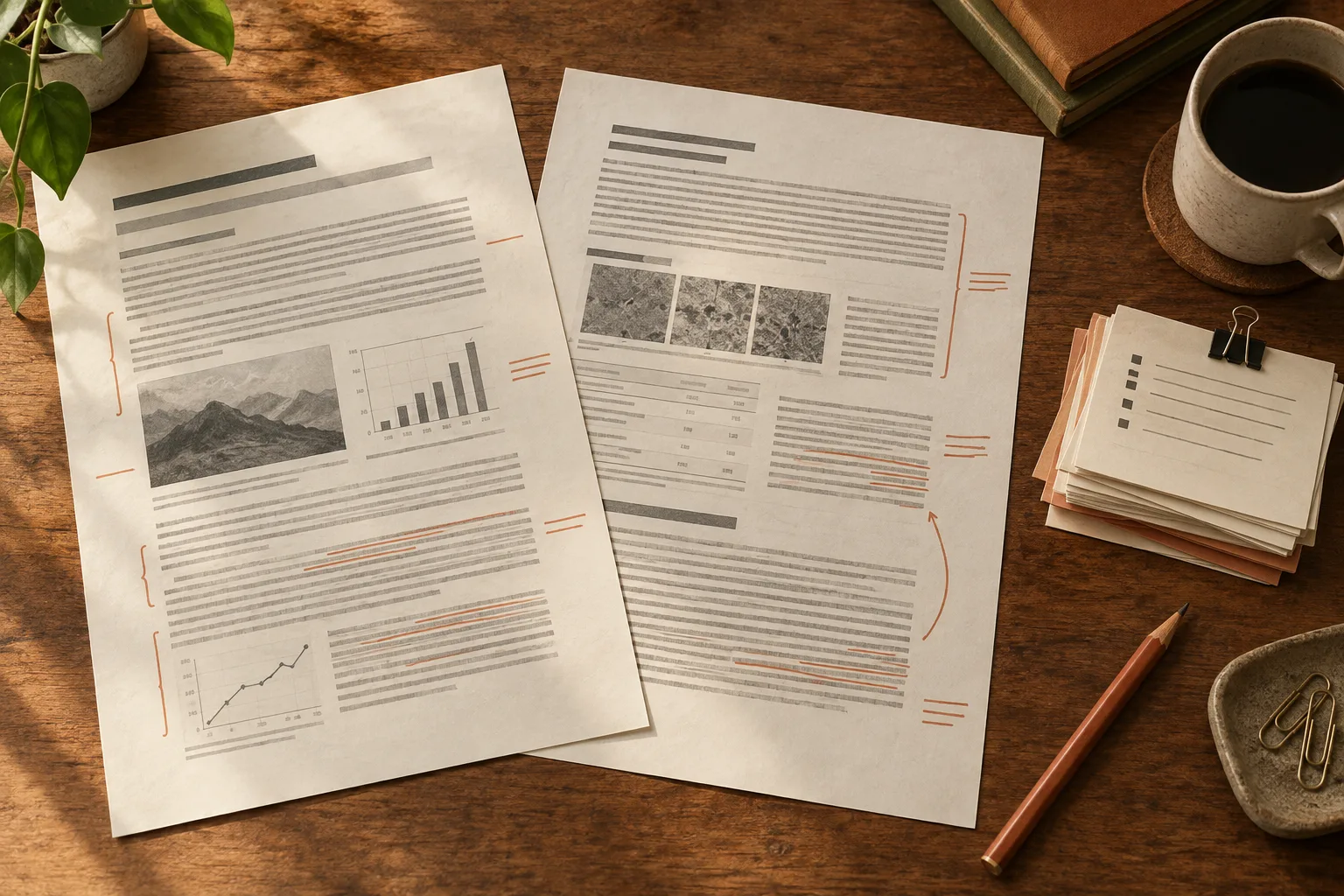
Read one complete paragraph that crosses a column boundary. The output should finish the intended column before jumping to the next. Compare table values with their row and column labels, including unit headings.
A useful review record has four columns:
| Source location | Element | What to compare | Result |
|---|---|---|---|
| Chapter sample | Equation | Symbols, indices, bounds | Accept or correct |
| Note sample | Reference | Marker and full note | Accept or correct |
| Table sample | Data | Value, label and unit | Accept or correct |
Fill it with actual observations. Do not convert a few inspected examples into an invented document-wide accuracy percentage.
Fix errors that change the conclusion first
For each issue, record the source page, output location and effect. A changed sign or unit, a wrong footnote target, or paragraphs read in the wrong column can alter meaning and deserve priority. If the content appears right but only the display differs, test another reader first. A tidy page is not an acceptance criterion, and a few samples are not a document-wide accuracy rate. If a key formula or citation cannot be verified against the original, do not use the converted passage as a formal source yet.
flowchart TB
  accTitle: Triage technical-document errors
  accDescr: Compare a difficult page with the original PDF. Correct changes to meaning, references or order first; test another reader for display-only problems.
  A[Choose a difficult page] --> B[Compare with original PDF]
  B --> C{Meaning or citation changed?}
  C -- Yes --> D[Correct or reprocess]
  C -- No --> E[Try another reader]
Decide whether to accept or reprocess
If problems concentrate in faint scans or distorted pages, seek a better source. If the output is correct but the renderer is not, test another reader or format before paying to process the source again.
For Markdown, consult the research workflow. For continuous reading, consult the EPUB conversion guide. Keep the original beside the result whenever formulas, footnotes or citations carry the main meaning.